CRM Integration for Small Businesses: Complete Guide 2026
Discover how CRM integration transforms small business operations through automated workflows, centralized data, and improved customer retention. Learn essential strategies for Vancouver businesses.
In today's competitive business landscape, managing customer relationships manually is no longer sustainable. Small businesses in Vancouver and beyond are discovering that CRM integration for small businesses is the key to unlocking growth, improving efficiency, and delivering exceptional customer experiences. By connecting your Customer Relationship Management system with your marketing, sales, and support tools, you can automate workflows, centralize data, and make smarter decisions that drive revenue.
Whether you're a startup looking to establish solid processes or a growing business ready to scale, understanding CRM integration can transform how you attract, convert, and retain customers. In this guide, we'll explore what CRM integration means, why it's essential, and how to implement it effectively for your small business.
What is CRM Integration and Why It Matters
CRM integration involves connecting your CRM software with other essential business tools—such as your website, email marketing platform, e-commerce system, social media channels, and customer support desk. Instead of manually entering data across multiple platforms, integration ensures that information flows automatically between systems, creating a unified view of each customer.
For small businesses, this integration is crucial because it eliminates data silos and reduces the risk of errors. When a potential customer fills out a form on your website, their information is instantly captured in your CRM. When they make a purchase, that data updates automatically. When your marketing team sends an email campaign, the engagement metrics flow back into the CRM for analysis.
The cost of disconnected systems is significant: wasted time on manual data entry, missed follow-up opportunities, inconsistent customer experiences, and limited visibility into what's actually working. CRM integration solves these problems by creating a seamless flow of information across your entire business ecosystem.
Key Benefits of CRM Integration for Small Businesses
Implementing CRM integration delivers tangible benefits that directly impact your bottom line:
Centralized Customer Data
Integration creates a complete 360-degree view of each customer, consolidating purchase history, communication records, support tickets, and behavioral data in one place. This comprehensive perspective enables your team to deliver personalized experiences and make informed decisions about customer engagement.
Automated Workflows and Time Savings
By automating repetitive tasks like lead assignment, follow-up emails, and data updates, your team can focus on high-value activities. Studies show that marketing automation can save businesses 5-25 times the cost of acquiring new customers by improving efficiency and retention.
Improved Lead Management
CRM integration enables sophisticated lead scoring and nurturing workflows. When a prospect downloads a resource, attends a webinar, or visits key pages on your website, your CRM can automatically assign points and trigger appropriate follow-up sequences, ensuring no opportunity falls through the cracks.
Enhanced Customer Retention
Retaining existing customers is significantly more cost-effective than acquiring new ones. CRM integration helps you identify at-risk customers, automate re-engagement campaigns, and deliver timely support that keeps customers coming back. A 5% increase in retention can boost profits by 25-95%.
Data-Driven Decision Making
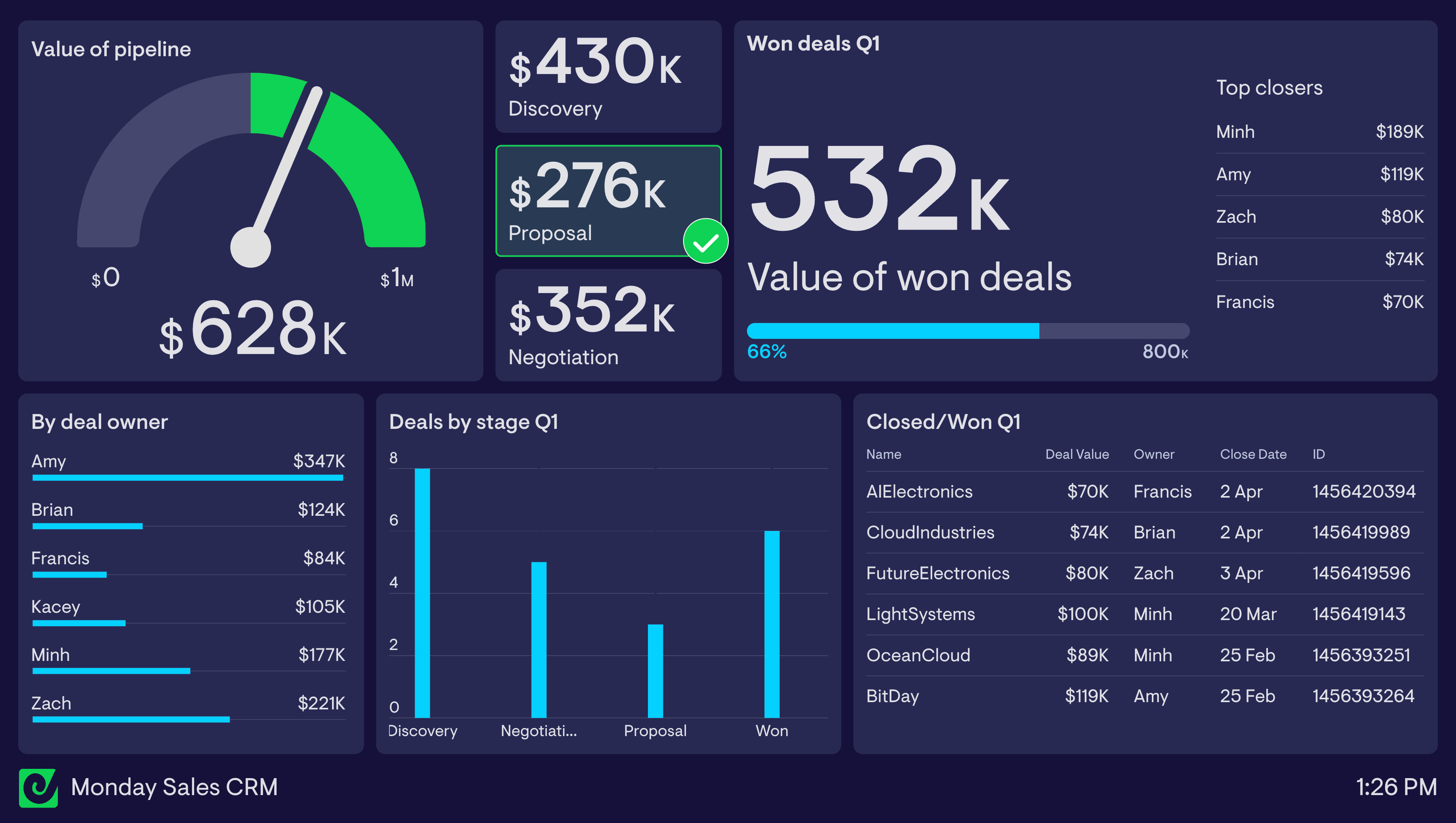
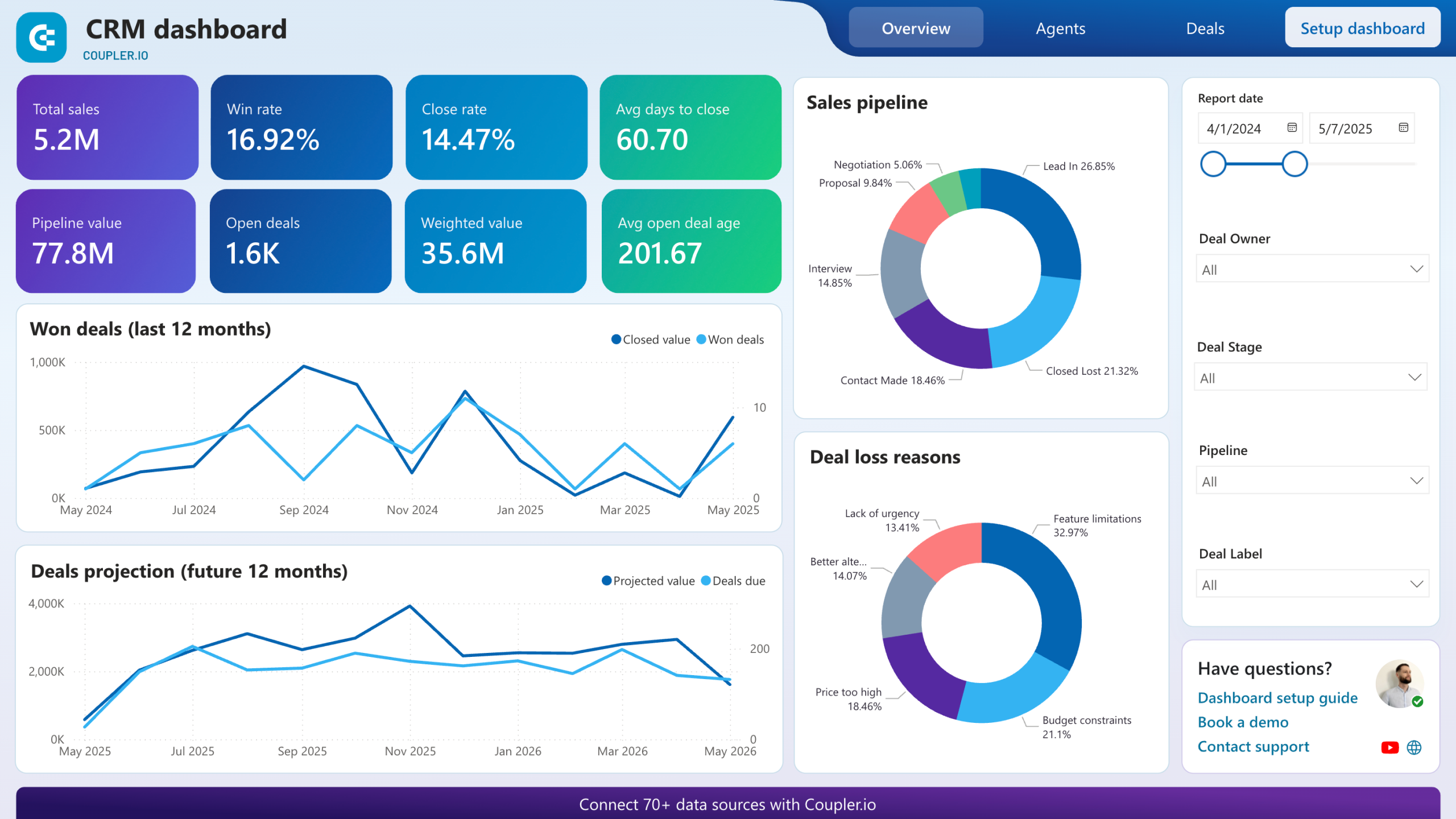
Integrated systems provide comprehensive analytics on campaign performance, customer behavior, and ROI. You can track which marketing channels generate the best leads, which products drive repeat purchases, and where customers drop off in your sales funnel—all from a single dashboard.
Essential CRM Integration Strategies
To maximize the value of your CRM investment, focus on these high-impact integration strategies:
Email Marketing Automation
Connect your CRM with email marketing platforms like Mailchimp, HubSpot, or ActiveCampaign to automate welcome series, educational content sequences, and triggered emails based on customer actions. For example, when someone abandons their cart, your system can automatically send a reminder with a special offer.
Lead Nurturing Workflows
Create education-based email sequences that guide leads through your sales funnel. Segment contacts by interest, behavior, or demographic data, and deliver relevant content that addresses their specific needs. Implement lead scoring to help your sales team prioritize the hottest prospects.
Multi-Channel Campaign Coordination
Integrate your CRM with social media platforms, SMS services, and advertising channels to coordinate messaging across touchpoints. When a customer engages with your brand on Instagram, that interaction should inform the email they receive next week and the ads they see on Facebook.
Social Media Integration
Connect social platforms to your CRM to track engagement, capture leads from social ads, and respond to customer inquiries efficiently. This integration ensures that social interactions become part of each customer's complete profile.
E-Commerce Platform Connections
For businesses selling online, integrating your e-commerce platform (Shopify, WooCommerce, etc.) with your CRM is essential. This connection automatically updates customer purchase history, enables personalized product recommendations, and triggers post-purchase follow-up sequences.
Choosing the Right CRM for Your Vancouver Business
Selecting the right CRM platform is crucial for successful integration. Here are some popular options well-suited for small businesses:
- HubSpot CRM: Offers a robust free tier with excellent integration capabilities, making it ideal for businesses just starting with CRM. The platform combines marketing, sales, and service tools in one ecosystem.
- Zoho CRM: Provides extensive customization and automation features at an affordable price point, with strong integration options across the Zoho suite and third-party apps.
- Salesforce Essentials: Delivers enterprise-grade capabilities for small businesses planning rapid growth, with access to the vast Salesforce AppExchange for integrations.
- Pipedrive: Focuses on visual sales pipeline management with over 400 integrations, perfect for sales-driven teams.
- Freshsales: Offers AI-driven insights and built-in communication tools with strong integration capabilities.
When evaluating CRM platforms, prioritize these features:
- Native integrations with your existing tools (email, website, e-commerce)
- Visual workflow builders for easy automation setup
- Scalability to grow with your business
- Mobile accessibility for on-the-go management
- Strong customer support and training resources
- Transparent pricing that fits your budget
Getting Started with CRM Integration
Implementing CRM integration doesn't have to be overwhelming. Follow these steps for a smooth rollout:
- Audit Your Current Tools: List all the platforms you currently use for marketing, sales, and customer service. Identify which integrations would deliver the most value.
- Clean Your Data: Before integrating systems, ensure your customer data is accurate and consistent. Remove duplicates, standardize formats, and fill in missing information.
- Start with One Integration: Begin with your highest-priority integration—often email marketing or your website contact forms. Master this connection before adding more complexity.
- Create Simple Workflows: Start with basic automations like welcome emails or lead notifications. As you gain confidence, build more sophisticated workflows.
- Train Your Team: Ensure everyone understands how to use the integrated system. Provide documentation and hands-on training sessions.
- Monitor and Optimize: Regularly review analytics to see what's working. Test different approaches, refine your workflows, and continuously improve your processes.
Remember, successful CRM integration is a journey, not a destination. Start simple, measure results, and scale your efforts as you see positive outcomes.
Transform Your Customer Relationships with Elite Prime
CRM integration for small businesses is no longer optional—it's essential for competing in today's digital marketplace. By centralizing customer data, automating workflows, and enabling personalized experiences at scale, CRM integration helps Vancouver businesses work smarter, not harder.
At Elite Prime, we specialize in helping small businesses implement and optimize CRM systems that drive real results. Our team understands the unique challenges facing Vancouver businesses and can guide you through every step of the integration process—from selecting the right platform to building custom workflows that align with your goals.
Ready to unlock the power of CRM integration? Contact Elite Prime today for a free consultation and discover how we can help you streamline operations, improve customer retention, and accelerate growth through smart CRM integration strategies.
Need Help With Your Digital Marketing?
Get a free consultation from our experts.
Get Your Free Consultation